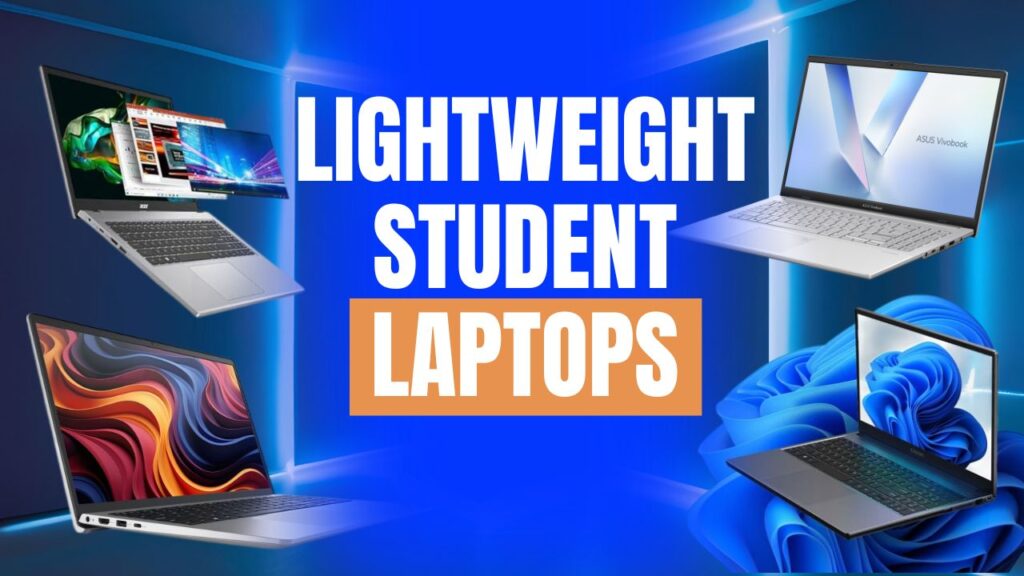
Six months into college, nobody’s complaining about their laptop’s benchmark scores. They’re complaining about their shoulders. A 2 kg laptop doesn’t feel heavy in a store demo — it feels heavy on the fourth flight of stairs to a 9 a.m. class, or on the walk from hostel to library with three textbooks and a water bottle sharing the same bag. That’s the real case for lightweight student laptops: not a spec-sheet flex, but something you’ll actually carry every single day for the next three or four years.
Here is a list that sticks to laptops built with that in mind — machines with a confirmed weight under roughly 1.5 kg, or ones explicitly built and marketed as ultraportables where the brand hasn’t published an exact figure for every configuration. Starting from ₹30,000 and goes up to premium models of laptops and every laptop is mentioned with their outstanding features to let you decide which one fits for you.
The prices mentioned below for each laptop as of August 2026 across Indian retailers but they always vary in festive season, so check the live price on online platforms like Amazon and Flipkart or offline store before buying it.
What “Lightweight” Actually Means for a Student Laptop
Under 1.5 kg is the number worth remembering — that’s roughly where a 14-inch laptop stops being a minor inconvenience in a backpack and starts being genuinely easy to forget you’re carrying. Below that, most manufacturers are using magnesium-aluminum alloy or a denser polycarbonate blend instead of the thicker plastic shells common on budget 15.6-inch machines.
The trade-off is usually battery capacity and port selection — thinner chassis mean smaller batteries and fewer full-size ports, so you’ll see more USB-C-only designs and dongles in this category. Screen size matters too: a 14-inch panel can shave 200–300 grams off an otherwise identical 15.6-inch laptop, which is why several picks below come in 14-inch variants specifically. If you genuinely need the extra screen real estate for CAD software or spreadsheet-heavy coursework, that’s a fair trade to make consciously — just don’t assume a 15.6-inch “slim” laptop weighs the same as its 14-inch sibling, because it usually doesn’t.
The Best Lightweight Student Laptops in 2026
1. CHUWI CoreBook X Pro — Under ₹30,000
- Processor: Intel Core i5-12450H
- RAM: 16GB (upgradeable)
- Best for: Tightest budgets
If you still want a genuine H series processor, pick CHUWI CoreBook X Pro for ₹30,000 which is a hard ceiling. Instead of U-chip, its offer 12th‑gen Intel Core i5‑12450H and 16 GB of RAM. Combining them will give you excellent performance which you can get in a laptop which costs you twice and both the RAM and SSD are user‑upgradeable later.
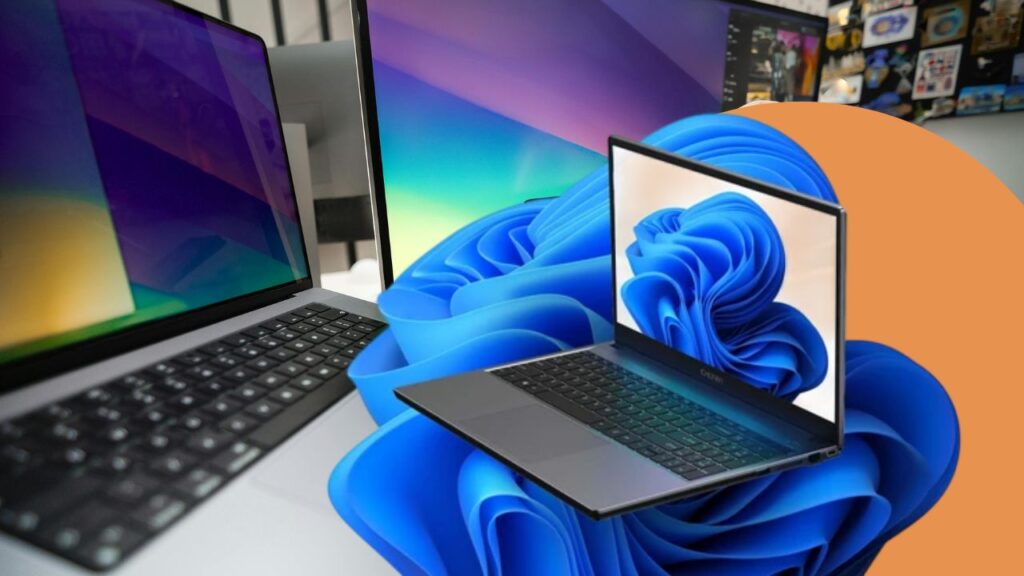
The only drawback is CHUWI is a Chinese brand so it’s hard to find service centers in most regions in India compared to Dell, HP, Lenovo, or Acer. if something goes wrong then it takes longer to repair than usual. Exact weight figures also aren’t always independently confirmed, so check it carefully before buying.
2. Dell Vostro 14 3440 — ₹39,990
- Weight: 1.46 kg
- Processor: Intel Core i3
- Best for: Portability-first budget pick
This is the most lightweight student laptop with 1.46 kg at ₹39,990. Dell Vostro is a proven reliable laptop with Core i3 for daily office work, support smooth streaming, and browsing with multiple tabs but it gets stuck when you attend zoom call, play spotify with chrome tabs.
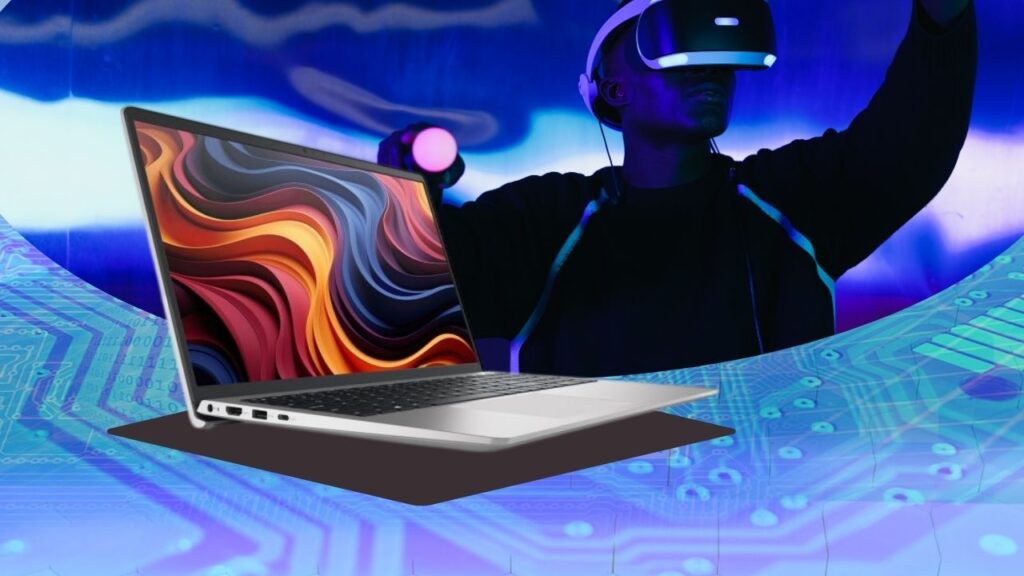
It also offers business-grade hinges and a keyboard that doesn’t get loosen quickly on daily typing. This is a sensible choice for students who want to read PDF’s, make presentations, and complete assignments which don’t require compute-heavy operations.
3. Acer Aspire 15 AS15-42 — ₹40,999
- Processor: AMD Ryzen 7 7730U
- RAM: 16GB
- Storage: 512GB Gen4 SSD
- Best for: Performance-per-rupee
Give a few hundred extra and get a totally different laptop which supports Ryzen 7 7730U processor and 16GB RAM which most laptops do not offer at this price point. If students want to buy a lightweight student laptop for coding, data work, or large operation tasks which require more cores rather than raw single-thread speed.
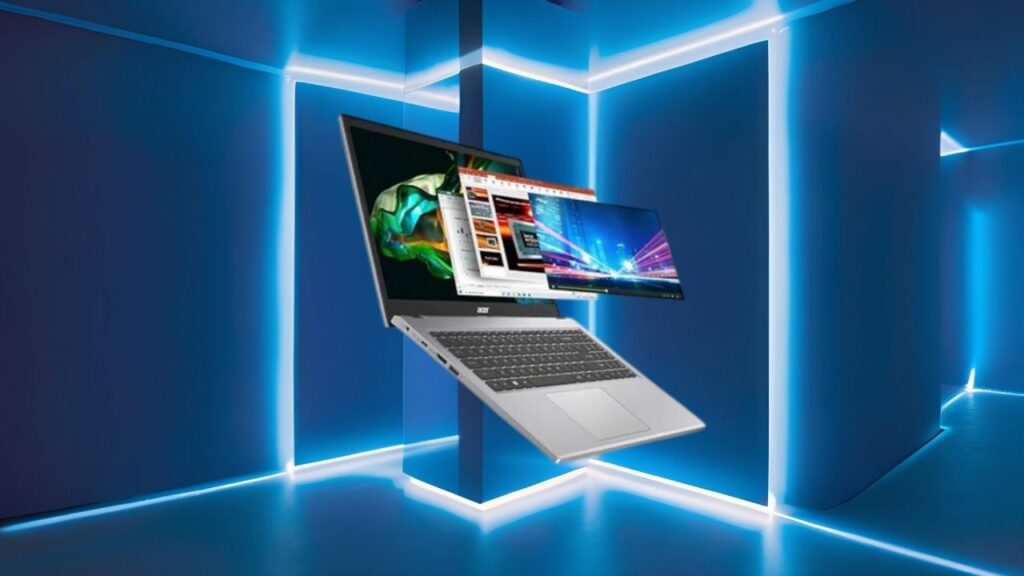
Acer doesn’t prominently list an exact weight for this configuration but the size of the 15.6‑inch chassis suggests that it will noticeably heavier that the 1.46 kg Vostro. If you need a reliable and well-performing laptop over portability then pick this one.
4. ASUS Vivobook Go 15 (2026) — ₹46,990
- Category: Ultrabook
- GPU: AMD Radeon (integrated)
- Best for: Mid-range Windows ultraportable
Its name defined its purpose overall, ASUS launched this Vivobook Go 15 especially for students to carry it easily wherever they go. This new 2026 variant is built with AMD-powered chip and Radeon graphics for more high performance and support for everyday multitasking than Intel’s equivalent integrated graphics.
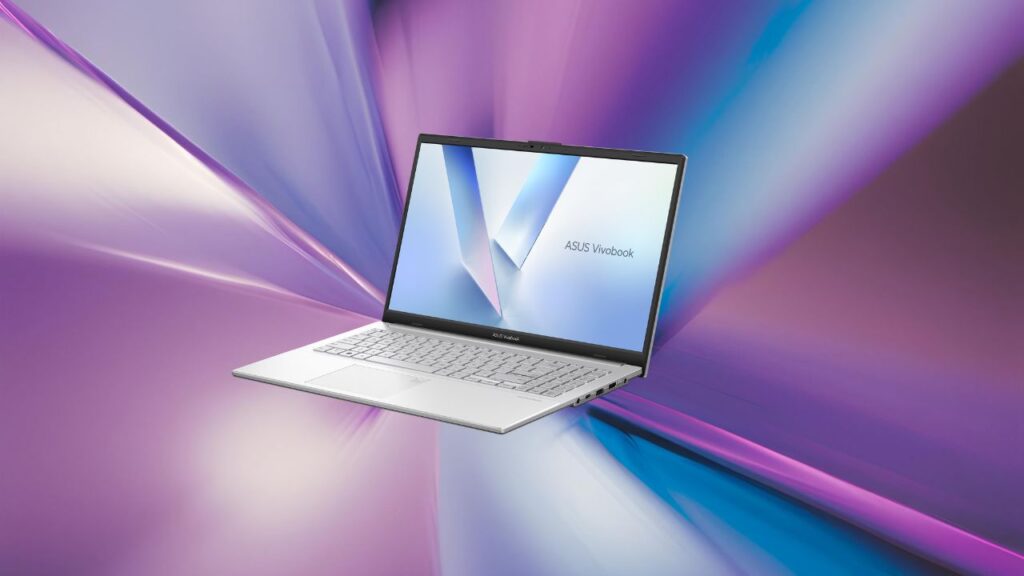
Exact RAM and storage vary by the specific SKU you land on, and ASUS’s spec sheet for this listing doesn’t pin down a precise weight — the smaller 14-inch Vivobook Go models have historically landed between 1.3–1.5 kg, so this is a reasonable proxy, but confirm the number on the exact variant before ordering.
5. HP Pavilion Plus 14 — ₹69,990–₹79,999
- Processor: Intel Core i5-1335U (13th Gen)
- RAM: 16GB DDR5
- Storage: 512GB SSD
- Best for: Video calls and note-taking as daily habits
This is the thinnest laptop in the Pavilion range making it best for students who use the laptop for video calls and take notes directly. The 16GB of DDR5 and a genuinely sharp Full HD panel with a solid webcam of HP Pavilion Plus 14, make it noticeably better for online classes than most laptops at this price.
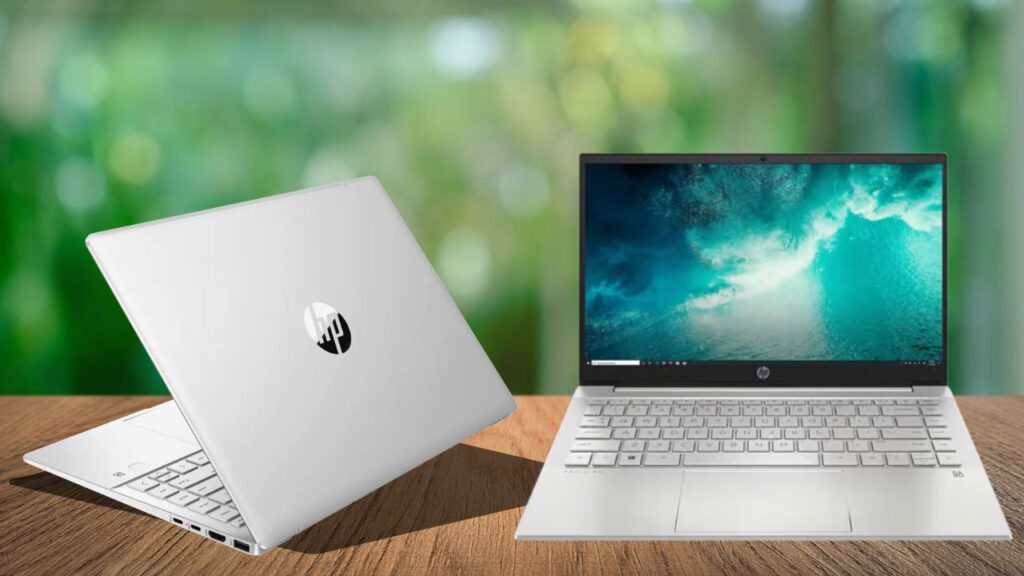
Price may fluctuate according to the retailer and offers in your area but this one genuinely listed between ₹69,990 to ₹79,999. You can compare its prices across various platforms before ordering it.
6. Apple MacBook Air 13″ (M4) — ₹89,990 (MRP ₹97,900)
- Weight: 1.24 kg
- Battery: Up to 18 hours video playback
- Best for: Design, media, and Apple-ecosystem students
There is no fan noise, long-lasting battery which survives the whole day with you, and 1.24 kg weight that lets you carry it anywhere. Apple’s silicon efficiency consistently holds up in everyday use. This is the lightest and longest-running laptop on this list with honest value.

The present cost is ₹97,900 but Flipkart offer brings down the price to ₹89,990. The price has been varying a few times in the last months and still is, so better check the exact price before ordering.
The only downside is that many engineering programs and courses that involve a lot of CAD are not compatible with macOS exclusively, so be sure to check what you will need, or what your specific programs require, before making the switch.
Dell Vostro 14 vs Acer Aspire 15: Different Purpose in Same Price
The price difference is just ₹1,000 but ideal for students with totally different purposes, so it’s worth putting them side by side directly.
| Dell Vostro 14 3440 | Acer Aspire 15 AS15-42 | |
| Price | ₹39,990 | ₹40,999 |
| Weight | 1.46 kg (confirmed) | Not confirmed — expect heavier |
| Processor | Intel Core i3 | AMD Ryzen 7 7730U |
| RAM | Not specified in listing | 16GB |
| Storage | Not specified in listing | 512GB Gen4 SSD |
| Best for | Carrying it everywhere without thinking about it | Coding, multitasking, heavier workloads |
If you’re choosing between these two, the question to ask yourself isn’t “which is better” — it’s “do I carry this laptop more often than I max it out.” Arts, commerce, and most humanities students will rarely hit the Vostro’s ceiling and will feel the weight difference every day. Engineering, CS, and design students doing real compute work will hit the Vostro’s ceiling within a semester and should take the Aspire’s extra RAM and cores over the lighter chassis.
Which Laptop Should You Actually Buy
Under ₹30,000 and not fussed about brand recognition: the CHUWI CoreBook X Pro gives you specs nothing else at this price matches, provided you’re comfortable with a smaller service network.
Around ₹40,000 and your coursework is reading- and writing-heavy: the Dell Vostro 14 3440 is the lightest confirmed option in this bracket and built to survive years of daily use.
Around ₹40,000 and your coursework involves code, data, or design tools: the Acer Aspire 15 AS15-42 gives you real multi-core performance for barely more money, at the cost of some portability.
₹47,000 range, want a Windows ultrabook rather than a budget laptop: the ASUS Vivobook Go 15 is the pick, with the caveat that you should confirm the exact weight and RAM on your specific variant before paying.
₹70,000–₹80,000 and you’re on video calls constantly: the HP Pavilion Plus 14’s webcam, display, and DDR5 memory earn their premium over the cheaper picks on this list.
₹90,000 and up, and battery life or a fanless, silent machine matters more than Windows-specific software: the MacBook Air M4 is the lightest and longest-lasting laptop here, full stop — just confirm your course doesn’t require Windows-only tools first.
None of this is a push to spend more than you need to. Most students finish a degree comfortably on the ₹40,000 tier; the ₹70,000-plus laptops earn their price mainly if you’re on calls all day or you specifically want the Apple ecosystem.
Two Things That Matter More Than Weight (But Get Ignored)
Weight gets all the attention because it’s the easiest thing to compare across a spec sheet, but two other factors decide whether a laptop actually holds up through a degree.
RAM you can’t upgrade later. Several budget laptops in this price range solder RAM directly to the motherboard, which means the 8GB you bought with is the 8GB you’re stuck with for the laptop’s entire life. This matters more each year as browsers, note-taking apps, and coursework software get heavier — 8GB that felt adequate on day one can feel tight by the second semester. Where a listing doesn’t explicitly say “upgradeable” or list a soldered/DDR5 spec, it’s worth asking the seller directly before you buy, especially on marketplace listings where the exact SKU isn’t always obvious from the product photo.
Charging reality in a hostel room. A laptop rated for 10+ hours on paper is genuinely useful if you’re not fighting for a plug point between four roommates and a limited number of sockets. USB-C charging (as on the MacBook Air and most of the ultraportables above) means you can share a charger with your phone or a power bank in a pinch — a proprietary barrel-pin charger, common on some budget Windows laptops, means losing that one cable is a bigger problem than it sounds. If your hostel setup involves shared or limited charging points, weigh this alongside battery life rather than treating them as separate factors.
Where to Buy (and How to Not Overpay)
Don’t lock into a single retailer before comparing — Flipkart, Amazon India, Croma, and Reliance Digital regularly carry the same laptop at different prices, and the gap can run into a few thousand rupees on any given week.
Several brands, including HP, Dell, and Lenovo, run student-ID discount programs periodically that aren’t always visible on the main listing page, so it’s worth checking the brand’s own site alongside the marketplace listing.
Big sale windows — Flipkart’s Big Billion Days in October and Amazon’s Great Indian Festival are typically when the steepest cuts show up, so if your purchase isn’t urgent, timing it around one of those is the single easiest way to save money on any laptop on this list.
Read More 👉 Best Student Laptops for School and University in 2026
Conclusion
Here you can get a list of lightweight student laptops which helps you understand which one fits you better. The laptop which lets you do your work smoothly and easy to carry anywhere is the best one, not the premium price laptops. So read and check by yourself carefully before ordering it because the price can go down or high with time.